Open WebUI
Warning
The documentation has been written by an LLM based on existing documentation. Until it has been improved we cannot guarantee the correctness of the text.
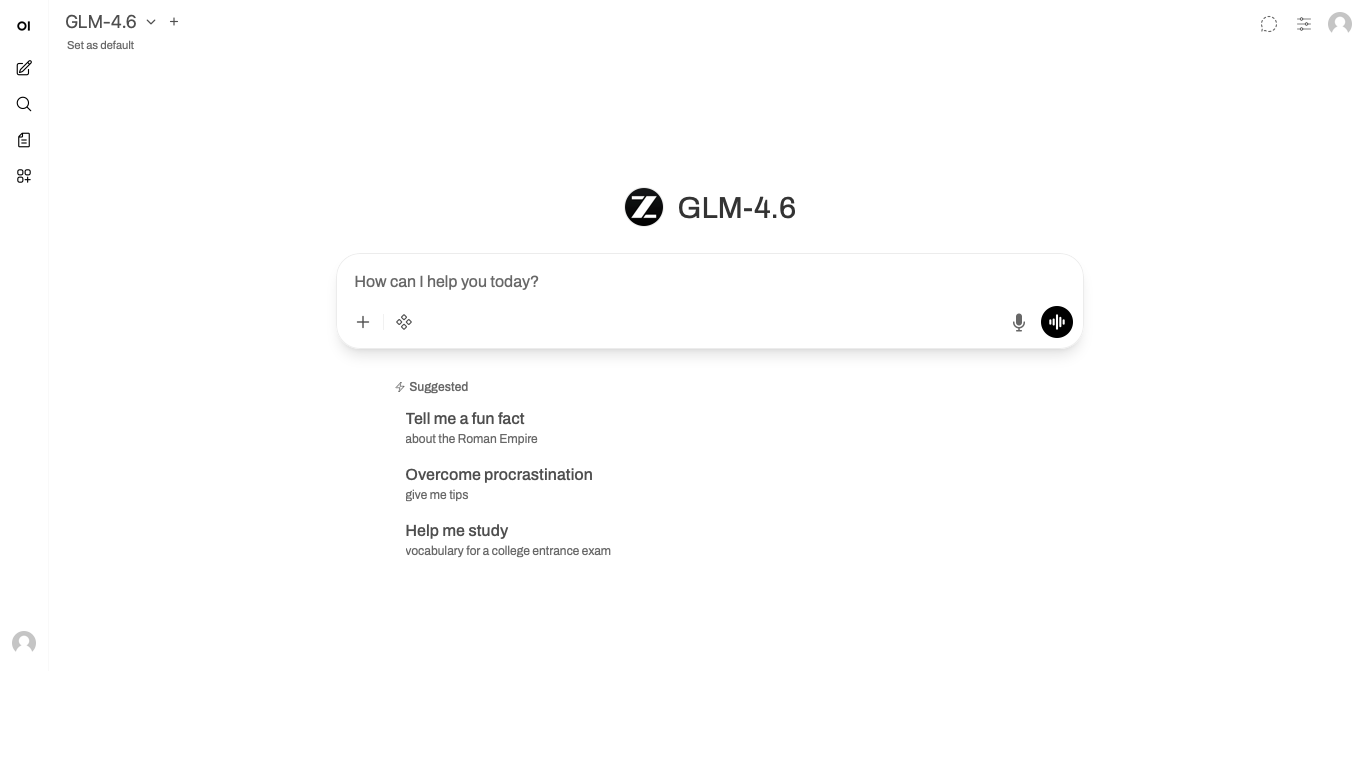
To open the chat interface go to https://chat.ai.datalab.tuwien.ac.at/.
Open WebUI provides a sophisticated web-based environment for interacting with AI language models through an intuitive chat interface. The platform combines simplicity with powerful features, enabling users to conduct natural language conversations while leveraging advanced capabilities like document integration, custom assistant creation, and team collaboration tools.
The interface is designed to make AI interactions accessible to users across various technical backgrounds, from casual users exploring AI capabilities to advanced users integrating AI into complex workflows. Whether you need to analyze documents, create specialized AI assistants, or collaborate with team members, Open WebUI offers the tools to make your AI interactions more effective and efficient.
Platform Capabilities
The chat interface serves as the central hub for AI interactions, supporting natural language conversations that can be enhanced with document context and specialized knowledge. The document integration system allows you to upload reference materials, ensuring AI responses are grounded in your specific information and requirements. For recurring tasks, you can create custom assistants with tailored personalities and capabilities, ensuring consistent behavior across your workflows.
Team collaboration features enable organizations to build shared knowledge bases and standardized tools, promoting consistency while capturing collective expertise. For those requiring programmatic access, the API provides comprehensive integration capabilities that support automation and custom application development.
- Interface Overview - Understanding the user interface layout and components
- Chat Basics - Starting conversations and model selection criteria
- Document Management - Working with reference materials and knowledge stores
- Custom Assistants - Creating and configuring specialized AI assistants
- Prompt Management - Saving and reusing effective prompts and workflows
- Team Collaboration - Sharing resources and collaborating with team members
- API Usage - Advanced programmatic access and integration capabilities
Getting Started
Your journey into Open WebUI starts with accessing the interface through your institution's portal, selecting an appropriate AI model, and beginning your first conversation. As you progress, you can enhance your interactions by uploading relevant documents, creating specialized assistants for recurring tasks, and sharing resources with your team members. Each feature builds upon the others, creating a comprehensive environment for AI-powered productivity.